
Choosing the Correct Stark County Match
Common names are a trap. A search for a frequent surname can pull up several people, so compare the full displayed name, any identifier, age or birth data, facility, and event date before settling on a match. A booking photo alone should never decide it. When the fields still leave doubt, the jail can sort it out with the limited identifiers it asks for.
Arrest location and custody location are not the same thing. The Stark County Jail holds people for agencies across the county, and transfers can later move someone to another facility or into ODRC custody. So a record sitting outside Stark doesn't mean the arrest happened elsewhere. Read each field literally. Guessing an arrest location from the current facility is a mistake people make often.
Once you land on the right record, save its identifier and the time you accessed it. Skip copying extra personal details. If you pass the result along to someone else, say where it came from, whether VINE, the jail, or a court, and whether it reflects current custody or something in the past. That habit protects accuracy and privacy at once.
Understanding a VINELink Custody Change
Treat every alert as a prompt to verify. Safety, rides, visits, or court timing may hang on it. "Released" only means the person left the custody setting VINE reports. It says nothing about bond. Time served, dismissal, a court order, or movement into a different system all sit outside its meaning. "Transferred" means you should check the destination named in the notice. Neither word settles how the case ends.
Log the basics when an alert lands. Note the arrival time, the event stated, and the record identifier. If a phone alert keeps repeating, Ohio's brochure says to enter your four-digit PIN. Then press the pound key. Keep that PIN private. Skip shared phones or email accounts when the alerts themselves could expose someone.
Disagreement between VINE and the jail is usually a timing gap. Compare timestamps. Intake, transfer, and release events flow into different systems on different schedules. For local victim notification, call 330-451-1400. Inmate Services handles jail questions at 330-430-3858, and the court docket covers the case itself.
Ohio VINE Access by Web, Phone, and Mobile
Ohio VINE isn't web-only. The state's materials list the website, an automated line at 1-800-770-0192, TTY at 1-866-847-1298, and VINEmobile. That matters when a site is down or a user needs phone accessibility. Menus, search categories, and alert types can shift. Follow the live prompts.
Official program material says registration is free. Your own device and data plans still govern delivery. Keep contact details current. One missed call is not proof that nothing happened. VINE never replaces direct contact or a safety plan.
The Stark County Sheriff app is a different animal. Its confirmed role covers tips, public-safety information, and outreach. It lists no inmate search and no booking-photo roster. Citizens Connect reporting has described delayed incident information without names or arrest details. It can't stand in for person-specific VINE alerts.
Ohio VINE and Stark County Jail
Ohio's official materials point to VINELink and VINEmobile. They also list the telephone line at 1-800-770-0192 and TTY at 1-866-847-1298. Stark County's Marsy's Law page goes further. It tells victims they may register through VINE. The page also lists Stark County Jail victim notification at 330-451-1400, the clearest local statement tying VINE to the jail.
Remember what VINE actually reports: custody and notification events fed in by participating systems. It is not a criminal-history report. It is not a court-disposition search, and it offers no gallery of booking photos. A 2021 Ohio Courts Network document marked the jail complete for a data-and-photo update project. That old program record proves nothing about photo publication today.
How to Check a Person on VINELink
- Open VINELink and choose Ohio from the state-selection screen.
- Select the available custody category or county option that matches the current interface.
- Enter the person’s legal name or offender identifier. Use only the identifiers needed by the form.
- Review all matches carefully. Compare spelling, age or birth information, facility, and identifier rather than assuming the first same-name result is correct.
- Open the individual custody entry and note its status and timestamp.
- For the underlying booking charge or court outcome, use the Stark County official-source guide.
The VINELink state-selection route is where an Ohio search begins.
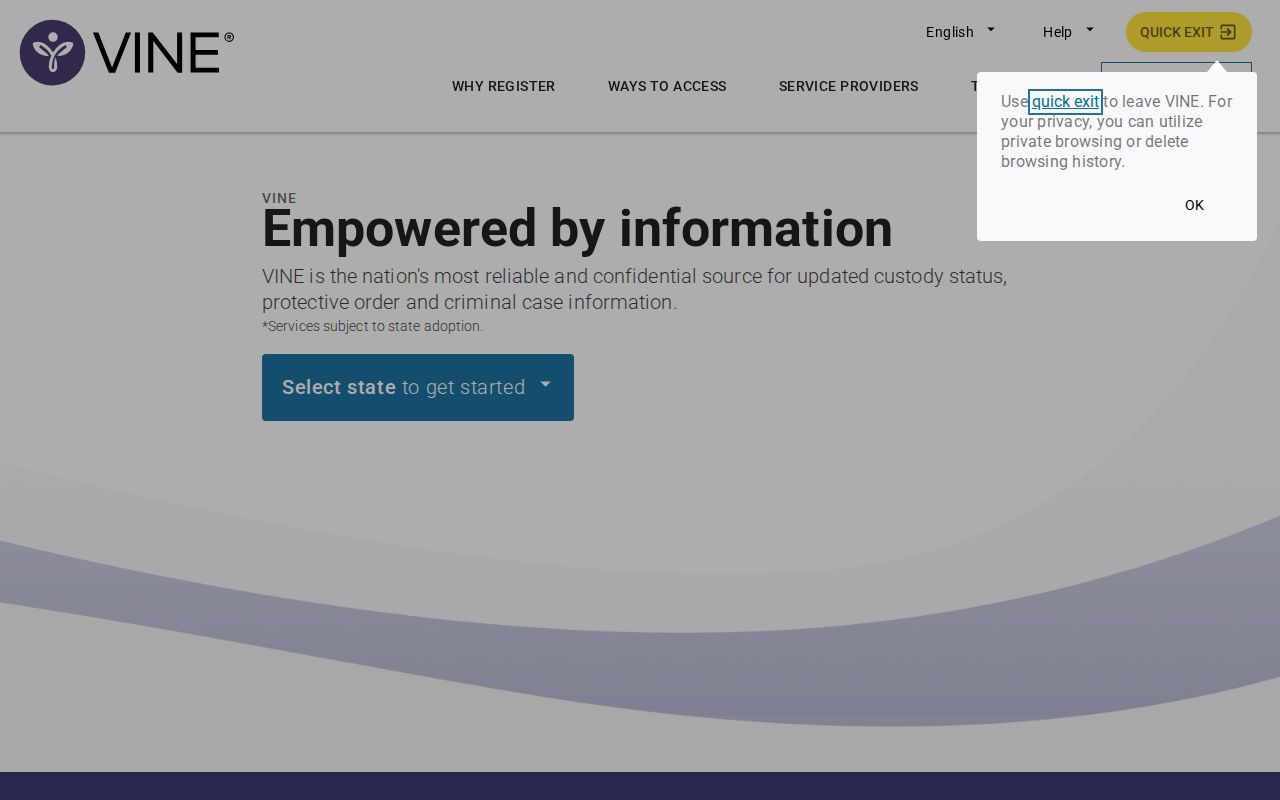
This neutral interface capture shows the selection step without displaying a person’s record.
What VINELink May Show After an Arrest
| Field or event | How to use it |
|---|---|
| Name and identifier | Distinguish people with similar names. |
| Custody status | Read with the displayed update time; status can change. |
| Facility or agency | Shows the participating custodian associated with the entry. |
| Release | A custody event, not a dismissal or finding of innocence. |
| Transfer | Indicates movement; follow the destination’s official contact route. |
| Escape or death event | Possible notification categories described in Ohio materials. |
| Photograph | Availability varies and must not be treated as proof of guilt. |
A VINE result answers custody. The court docket answers the case. Expect the two to update on their own schedules.
How to Register for Ohio Custody Alerts
Registration opens once the participating record and current interface allow it. Labels and delivery options change, so follow the live prompts.
- Open the correct person’s result and select the notification or registration option.
- Choose the available telephone or email method. The service is presented as free in official Ohio materials.
- For telephone registration, create the requested four-digit PIN and keep it private.
- When VINE calls, listen to the information and enter the PIN followed by the pound key. Ohio’s brochure explains that this acknowledges the call and stops repeats for that event.
- Email registration uses email delivery rather than the same telephone-PIN acknowledgment flow. Confirm the address exactly.
- Keep the jail and emergency numbers separately. A notification service is not an emergency-response channel.
The VINELink search and registration route leads from a match toward available alert controls.
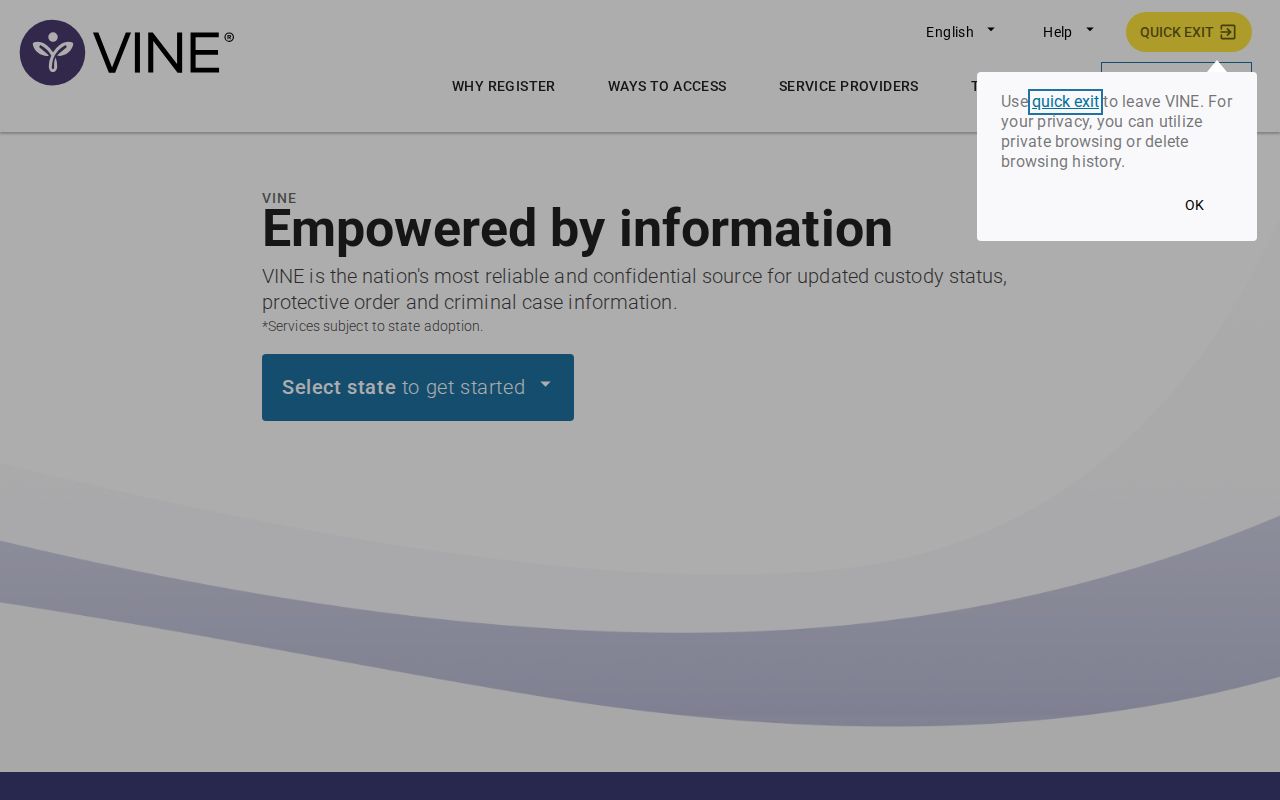
The application changes dynamically. Trust the labels on your screen rather than any saved view of it.
Stark County’s Local Victim-Notification Route
Stark County handles victim notification through its own channels, not just the national network. The county's Marsy's Law page pairs VINE registration with a local victim-notification line, 330-451-1400. Call that number for help with local notification. Questions about inmate services go to 330-430-3858 instead. For a true emergency, dial 911.
Each contact serves one job. The state VINE line handles registration and automated custody updates, the jail number covers local victim matters, and Inmate Services deals with jail information. Keeping a note of which office answered your question makes any follow-up far easier later on.
VINELink Limits and Fresh Arrest Verification
VINE never promises instant indexing of every booking. A missing match can come from spelling, intake lag, release, transfer, nonparticipation, juvenile confidentiality, or custody outside the system you picked. Federal Bureau of Prisons and ICE detention aren't covered. Someone held locally on another authority may need confirmation straight from that agency.
VINE cannot settle guilt either. It only reports custody. For the actual case outcome, pull the court docket and match on more than a name before treating a Stark County arrest record as the right one.
Privacy and Safe Use of Alerts
Register with a phone number or email you alone control. Guard the PIN. Think twice about voicemail previews or shared inboxes, since alert notifications can be sensitive. Alerts help. But they are not a safety plan on their own. Follow the guidance of victim advocates and law enforcement whenever personal safety is at stake.
Custody data can lag or run incomplete. Confirm any major change directly with the Stark County Jail before you act on it.
What to Do When VINELink Finds No Match
Start with the basics. Check the spelling, the name order, and the state or custody category you selected. Search only with identifiers you trust. A guessed birth date or a same-name record can cause a serious identity error. If the arrest just happened, allow time for processing. Then call Stark County Jail Inmate Services. The official county website offers no public roster that can settle the question online.
Scope matters too. ODRC fits once a person moves into Ohio state custody or supervision. The Federal Bureau of Prisons locator covers federal cases. ICE runs its own immigration-detention locator. A court docket proves a case was filed, not that the person remains in jail. A VINE release event means custody changed; it says nothing about the charge.
If every online route comes up empty, try a narrow public-records request. It may surface the booking or arrest report. Give the full name. Add an approximate date and the agency if you know it. Ask the recipient to point you to another custodian if needed. Skip the private photo pages.
Save your registration confirmation and the time each alert arrives. If two notices conflict, call the jail. Ask which custody event is the most recent before you conclude anything.